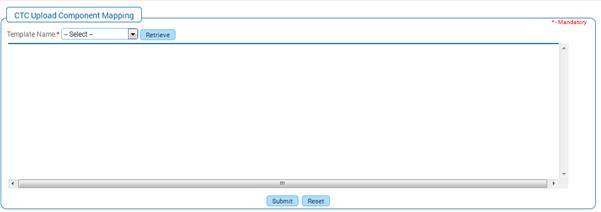
1.9 CTC Component Mapping
Why should I use this form?
This form facilitates mapping CTC components against excel column name, for a selected CTC Template. This will be useful for uploading the CTC upload, through Data Upload option.
What are the Pre-requisites?
· N/A
Who can access this form?
This form shall be visible to all employees to whom the visibility is given in Setup HRMS ® Module Role Mapping/ Module Administration.
How to navigate to this form?
HR Foundation à Component Setup à CTC Component Mapping.
 Figure
10 CTC upload component mapping
Figure
10 CTC upload component mapping
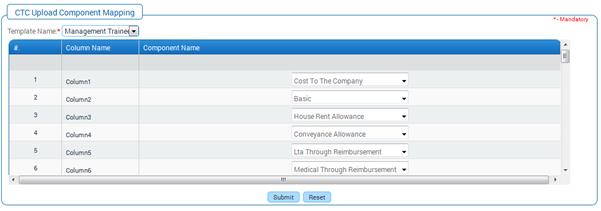
Select CTC Template from the Template Name drop down field.
Click [Retrieve].
Fields available in the excel file are shown under ‘Excel column Name’ column. All the components that are mapped to the selected CTC Template are shown in the drop down field against each field. Select required component and click [Submit]. Selected component will be mapped to the corresponding field name in the Excel. For example, in the second row, if Basic component is selected from the drop down, that component will be mapped to the second field in the Excel.
Click [Reset] to refresh the form.